Photos and video
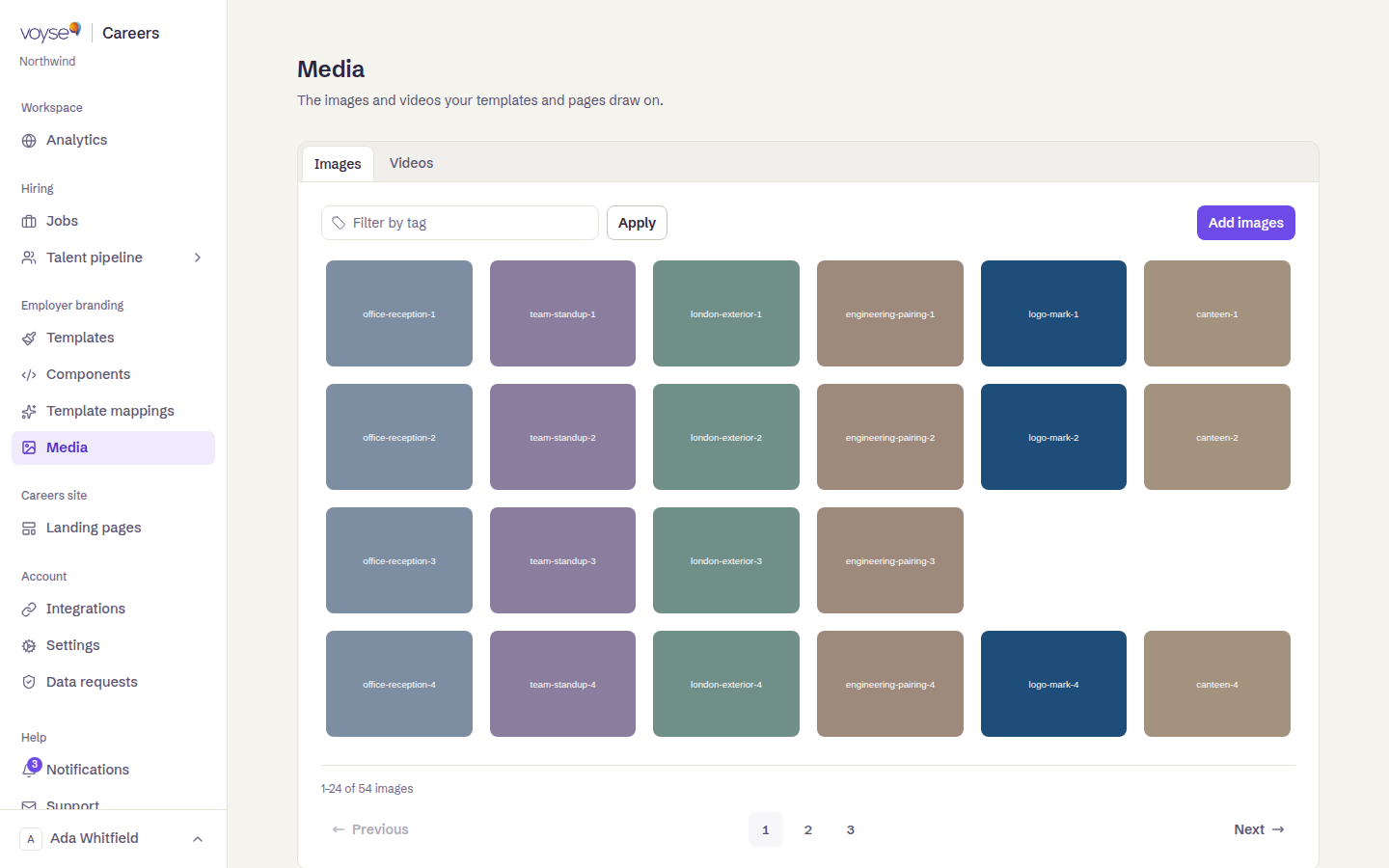
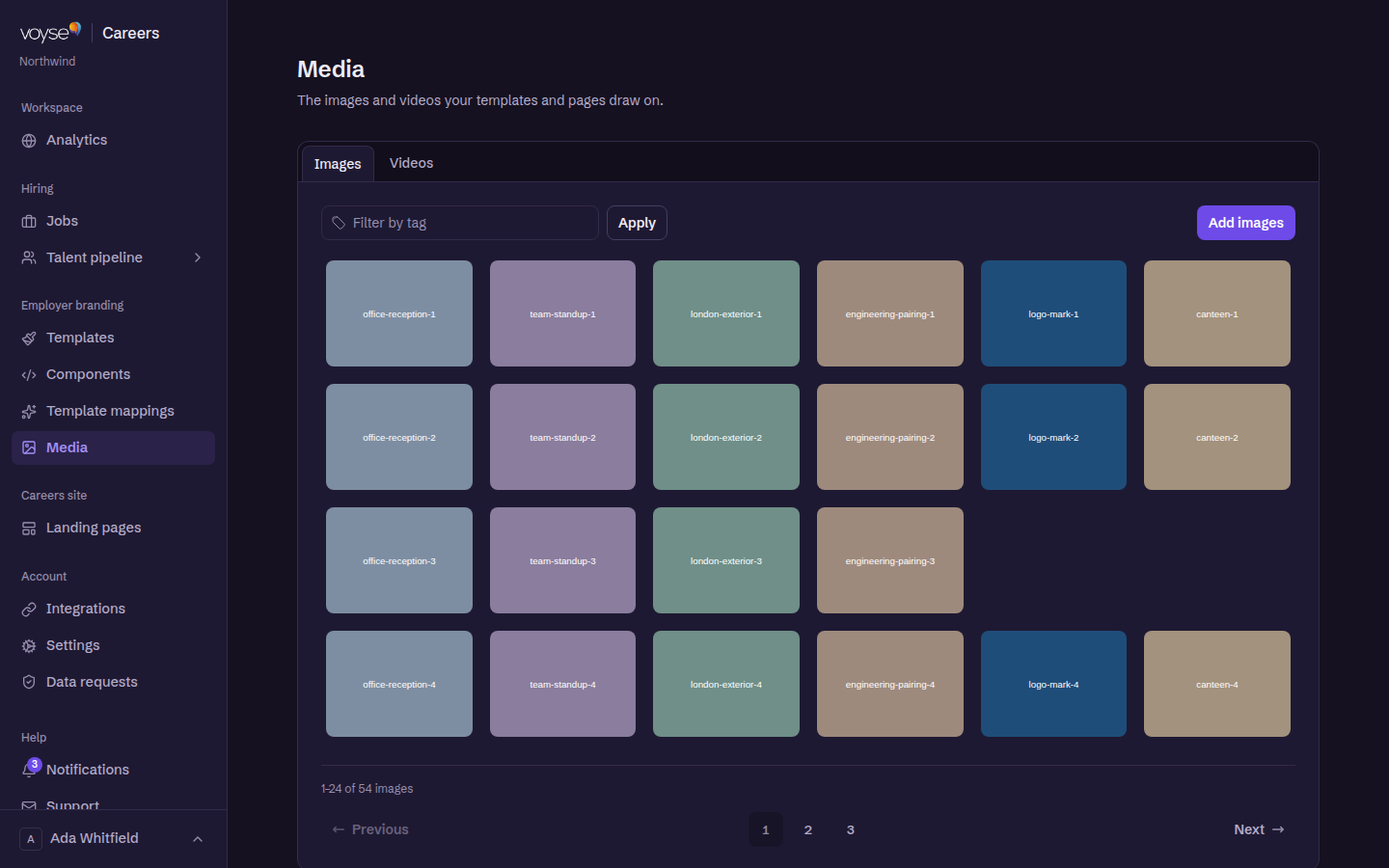
Media is the Media Library: one place for the photographs and video your templates, landing pages and job adverts pull from. Anything used on your site lives here.
Uploading
Upload from the library, give each file a name you'll recognise later, and tag it. Tags are what make a library of two hundred images usable — by site, by team, by what's in the shot.
Templates and pages reference media from here, so replacing a file's contents changes it everywhere it appears. That's useful when a photograph is out of date, and a trap if you meant to add a second one: upload a new file rather than overwrite when both are still needed.
What to shoot
The photographs that earn their place on a careers site are the ones a candidate can't get anywhere else: the actual kitchen, the actual team, the actual view from the office. Stock photography reads as stock photography, and candidates discount it.
If you also run Voyse Intelligence, its assistant can show this media in answers — so a clearly-named, well-tagged library does double duty. See the Voyse Intelligence guide.