Applications and candidates
Every application submitted on your site goes to your ATS. Whether you also work it here depends on the Talent pipeline, which Voyse support switches on for your account — Voyse support turns the pipeline on and off; everything else here is yours.
With it on, Talent pipeline in the sidebar gives you five things: Applications, a Pipeline board, Reports, a Talent pool and Pipeline settings.
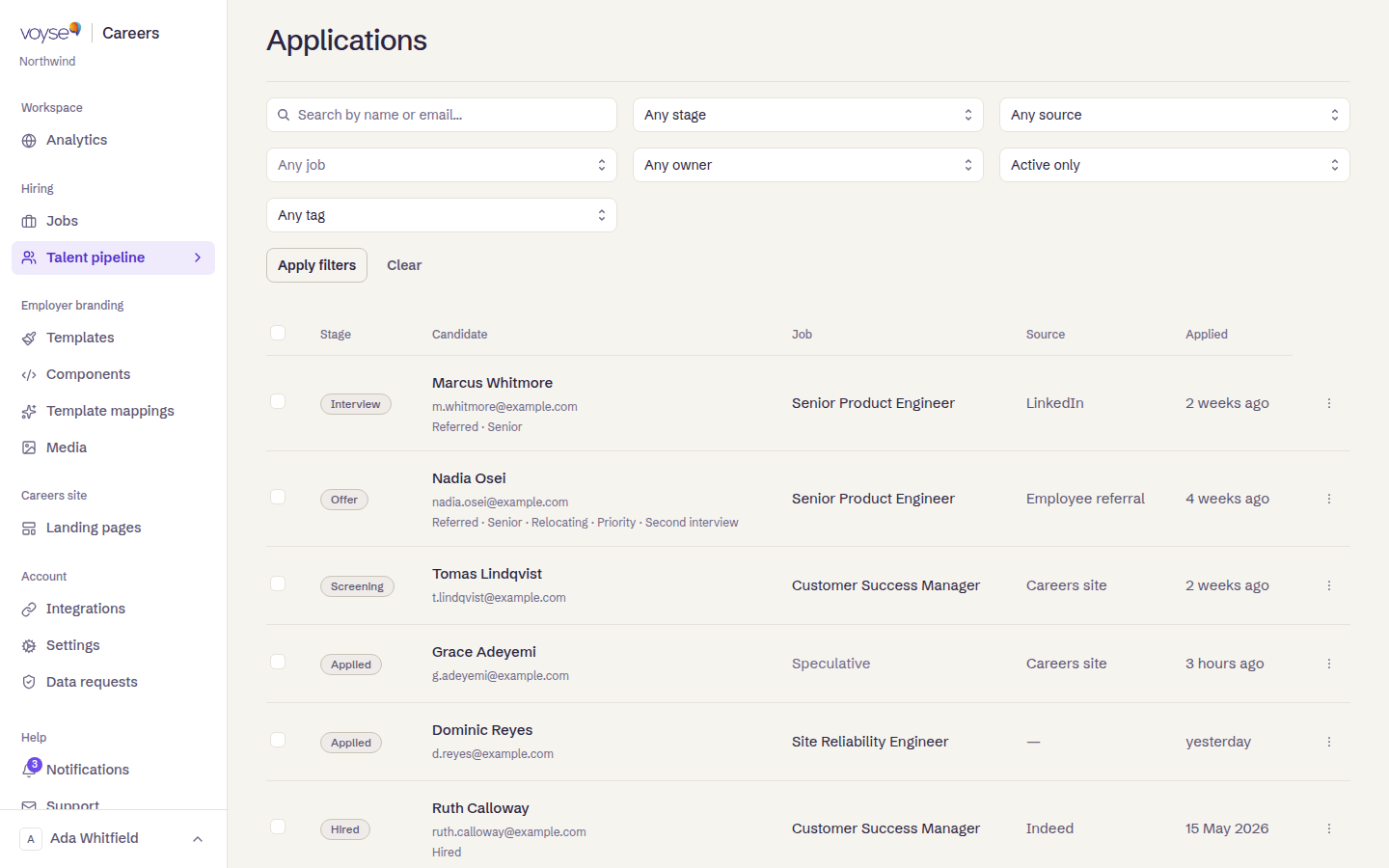
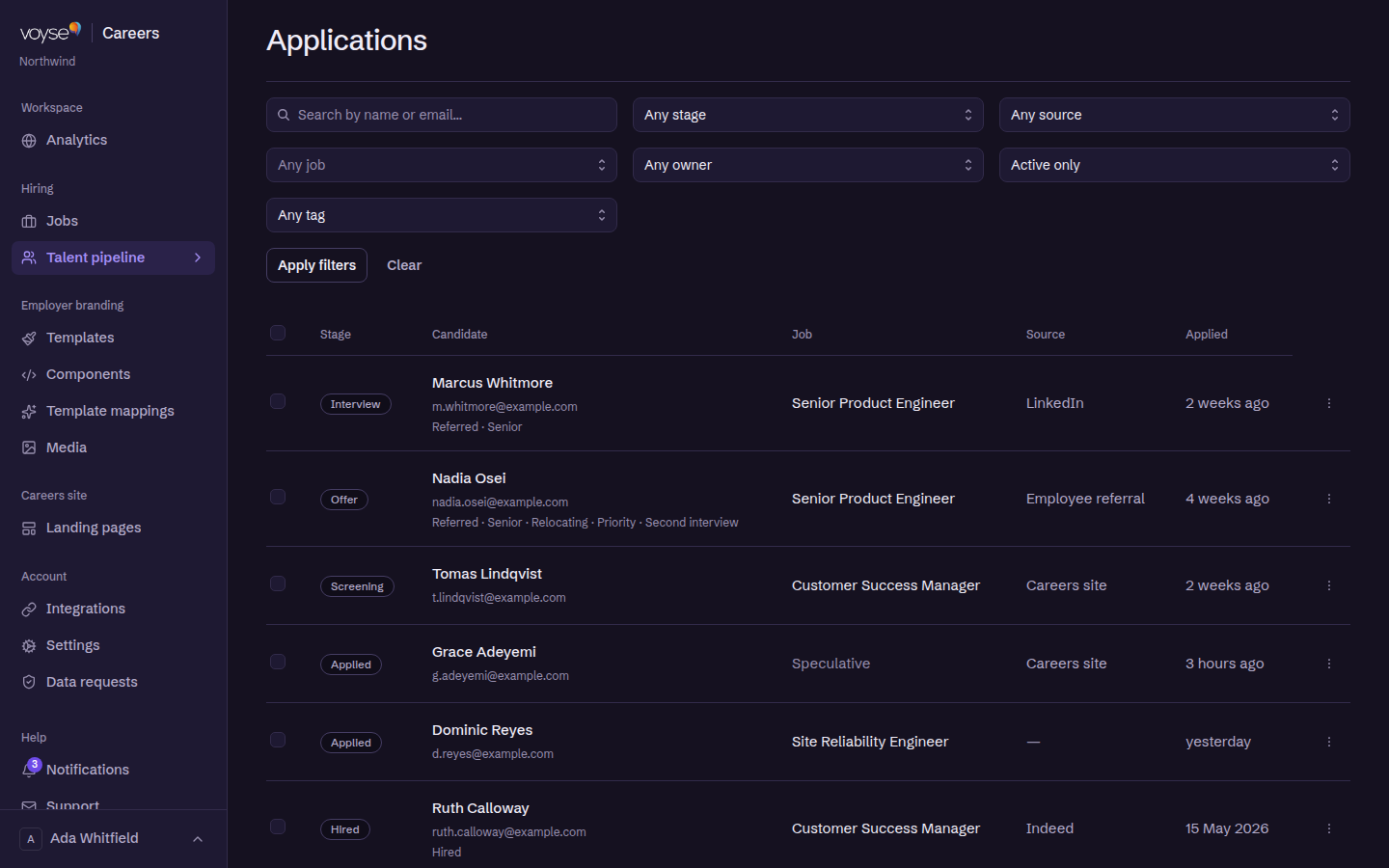
The list
Search by name or email, filter by job, stage and source, and select several at once to move them together — you'll be asked which stage to move the selected applications to. Clear filters resets the view.
One application
Opening an application shows what the candidate submitted and what your team has added since:
- What the candidate wrote on the application form, and their Screening answers if the job asked any.
- Download CV, and Email Candidate to reply.
- Scorecards — structured evaluations from the hiring team, rated against your Scorecard criteria.
- Notes from the team, and what the platform recorded — a single history, so a decision made three weeks ago is still legible.
- Hire details — remuneration and offer milestones, saved with the record.
Details submitted by the candidate can be corrected if they made a mistake, and the page warns you about unsaved changes to the candidate's details before you navigate away.
Stages and rejections
Your stages are yours to define in Pipeline settings, and each can send an email when a candidate reaches it. Rejection reasons are offered in the reject dialog, which is what makes your reporting on rejections mean anything later.
The talent pool
Strong candidates who weren't right this time can be kept for next time, if they consented — an application without it is marked No talent pool consent, and that consent is not something to work around.
Reports
Reports covers a Reporting period and shows Applications received, Candidates by stage, Conversion, Time to hire and Rejections. These are only as good as the stages your team actually moves people through: a pipeline where everyone sits in the first stage until they're hired will show a time to hire and nothing else.
Deleting
Deleting an application is permanent and written to the audit log. Candidate data requests — access and deletion — belong in Data requests rather than here.