

Settings
Settings holds what's true of your whole careers site. Changes are saved with Save changes, and the page warns you about unsaved changes across all tabs — so a change made in one section and forgotten in another won't be lost quietly.
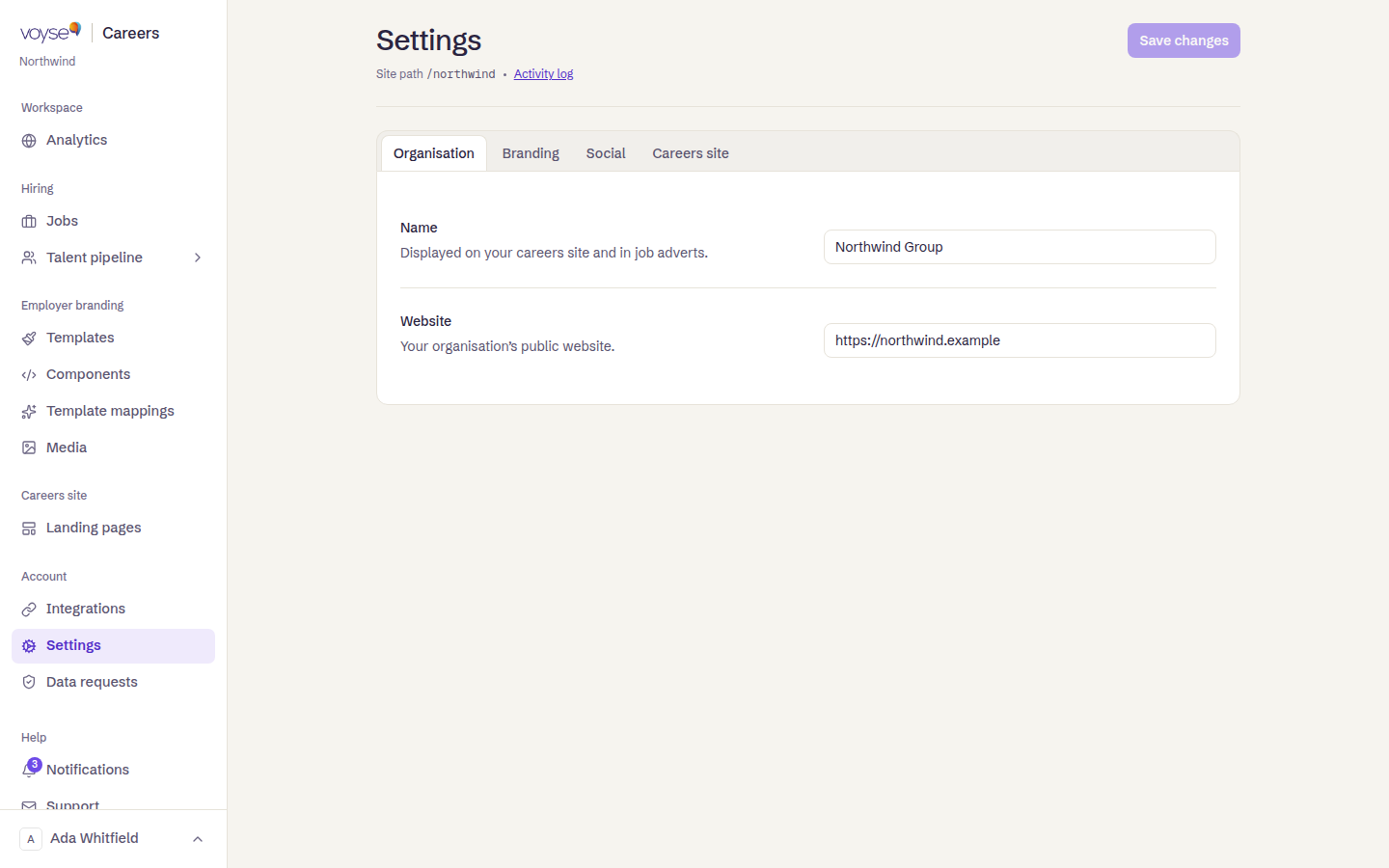
Organisation
Your Organisation name, displayed on your careers site and in job adverts, and your Website — your organisation's public site.
Branding and SEO
Your logo and the favicon shown in the browser tab, at the sizes the page states. Get these right once: the favicon is the difference between a candidate finding your tab again and closing it.
Your Primary colour and Secondary colour are what templates draw on for buttons and section backgrounds set to your brand rather than a fixed value — set them once here rather than picking a colour separately in every template.
Social sharing
A Share image and Share description — used when your jobs are shared on social networks. Every job link a recruiter posts uses these unless the job overrides them, so an unset share image is a missed impression on every share.
Languages
If your site serves more than one language, the languages you choose here appear in your careers site's language switcher. Templates carry a language too, so a language offered here needs templates to match — otherwise a candidate switches and gets your default.
Careers site
Where your Custom domain lives. See Connect your domain.
Talent pipeline
Whether the pipeline is available at all is ours to switch; everything about how it behaves — stages, scorecard criteria, rejection reasons, what shows on the board's cards — is yours, and lives in Pipeline settings. See Applications and candidates.
Privacy and retention
Your Candidate PII posture and Retention defaults — including whether candidate data may be processed outside the UK and EU, and whether records are deleted automatically after a retention review.
These are the settings most worth a conversation with whoever owns data protection at your organisation, rather than a default nobody chose. Candidate access and deletion requests are handled in Data requests.